
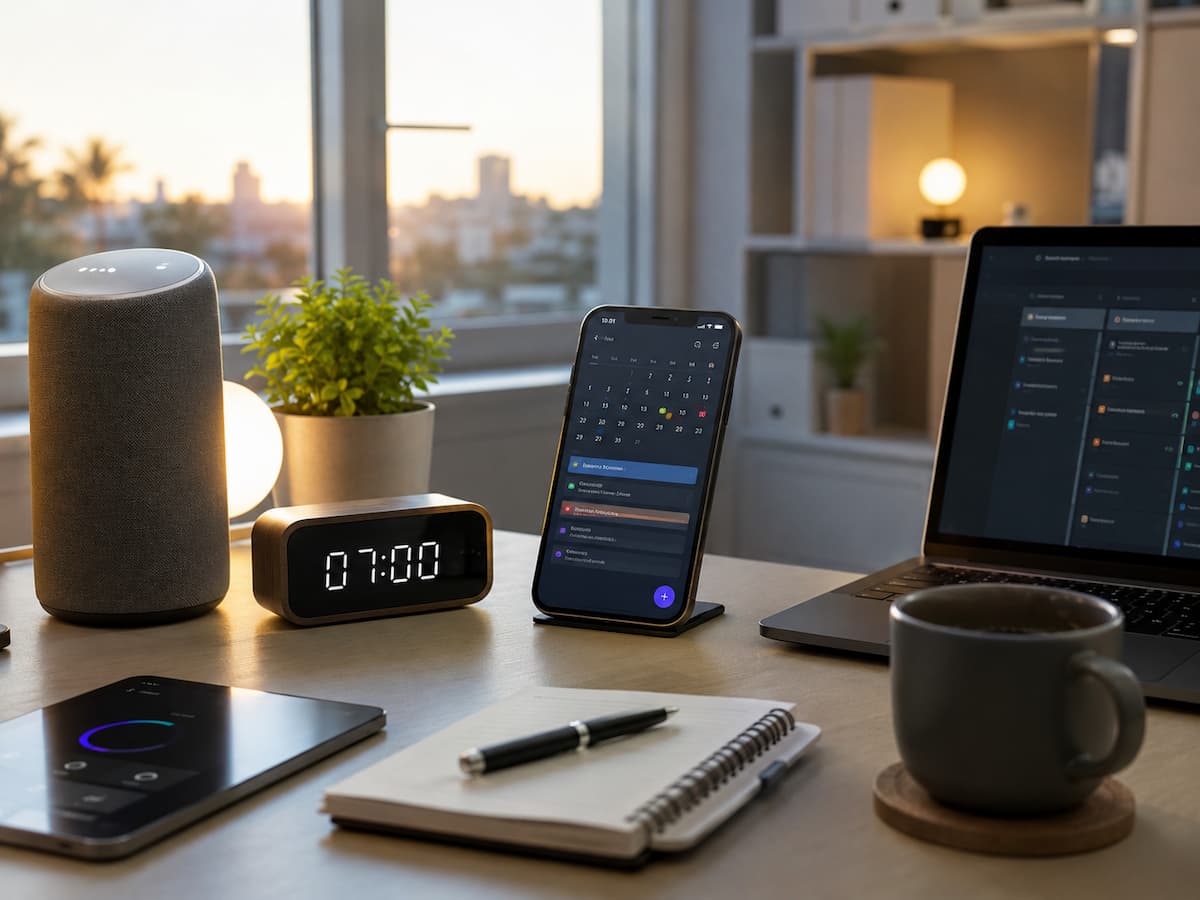
Building a smarter morning routine does not require expensive gadgets or complicated systems. Small changes, such as automating reminders, preparing information in advance, and using helpful apps, can make mornings more efficient. This guide explains practical ways to use technology to create a better morning routine that fits your lifestyle.
Why a Smart Morning Routine Matters
A morning routine creates structure before the day becomes busy. Without a plan, many people spend valuable time deciding what to do next, checking unnecessary notifications, or searching for information they need. A smarter routine uses technology to reduce small decisions and make important tasks easier to complete. Instead of depending solely on memory, digital tools can provide reminders, organize schedules, and prepare useful information.
| Traditional Morning | Smart Morning Routine |
|---|---|
| Manually check everything | Automated reminders provide information |
| Remember daily tasks | Apps track recurring activities |
| Search for information | Information is prepared automatically |
| React to the day | Start with a clear plan |
The goal is not to have technology control every minute. The goal is to use technology where it genuinely makes life easier.
How Technology Can Improve Your Morning
Technology can support different parts of your morning, from waking up to planning your priorities. The most effective systems focus on reducing repetitive actions.
Examples of useful morning technology:
- Alarm apps that support better waking habits
- Calendar reminders for important events
- Weather updates for daily planning
- Task apps for organizing priorities
- Smart devices for home automation
A simple digital routine should feel helpful rather than overwhelming. Start with one or two tools and add more only when necessary.
Tip: The best technology routine is one that saves time without creating more things to manage.
Using Smartphone Features for Better Planning
Your smartphone already contains many tools that can improve your morning routine. Many people use their phones mainly for communication and entertainment but overlook built-in productivity features.
| Smartphone Feature | Morning Use |
|---|---|
| Calendar | Review appointments and events |
| Reminders | Track important tasks |
| Notes | Create daily priorities |
| Weather App | Prepare for conditions |
| Automation Tools | Run repeated actions |
Learning how to use these simple features can create a more organized morning without downloading many additional applications.
Creating a Digital Morning Checklist
A digital checklist can replace mental reminders and help you follow the same routine every day. Instead of wondering what you need to do, you can follow a simple sequence.
Example morning checklist:
- Check calendar appointments
- Review top priorities
- Check important messages
- Review weather conditions
- Prepare required tasks for the day
Task management apps allow these steps to become recurring items. This is useful because the structure remains available even on busy mornings.
| Task Type | Automation Option |
|---|---|
| Daily planning | Recurring reminder |
| Appointments | Calendar alerts |
| Habit tracking | Habit apps |
Using Smart Alarms and Sleep Tracking
A good morning starts with quality sleep. Technology can help monitor sleep patterns and create better waking habits. Smart alarms and sleep tracking tools can provide information about sleep duration, bedtime consistency, and waking patterns. These tools can help users understand their habits and make improvements.
Useful sleep-related features:
- Sleep schedules
- Gentle alarm options
- Bedtime reminders
- Sleep tracking reports
Technology should support healthier sleep habits rather than encourage staying connected all night. Managing screen use before bedtime is still important.
Automating Your Morning Information
Many people spend their mornings gathering information they need for the day. Technology can reduce this effort by delivering important updates automatically.
Examples of useful information automation:
- Daily weather updates
- Calendar summaries
- Traffic information
- News summaries
- Reminder notifications
Instead of opening several apps individually, you can create a system where important information is available quickly when you start your day.
Smart Home Devices That Support Your Routine
Smart home technology can simplify small morning activities. These devices are not necessary for everyone, but they can add convenience when used correctly.
| Device | Possible Morning Benefit |
|---|---|
| Smart Lights | Gradually brighten the room |
| Smart Speakers | Provide reminders and information |
| Smart Plugs | Control connected devices |
| Smart Displays | Show schedules and updates |
The purpose of smart devices is not to add complexity. They should remove small inconveniences from your routine.
Using Calendar and Reminder Apps Effectively
Calendar and reminder apps are among the most useful tools for building a smarter morning. They help separate important commitments from smaller tasks.
Better organization methods:
- Use calendars for scheduled events.
- Use reminders for tasks.
- Create repeating activities.
- Review priorities every morning.
A common mistake is to put everything into one list. Separating appointments, tasks, and notes creates a clearer system.
Building a Simple Technology-Based Morning Workflow
A successful morning system should be simple enough to follow every day. You do not need dozens of apps or complicated automation.
Example workflow:
| Time | Technology Support |
|---|---|
| Wake Up | Smart alarm or scheduled alarm |
| First Minutes | Review calendar and tasks |
| Planning Time | Update priorities |
| Before Work | Check important information |
The system should create clarity, not pressure. Adjust it based on your schedule and responsibilities.
Common Mistakes When Using Technology in the Morning
Technology can improve mornings, but it can also become distracting when used incorrectly. Many people accidentally create more stress by adding too many digital tools.
- Checking social media immediately after waking
- Using too many productivity apps
- Creating excessive notifications
- Ignoring offline habits
- Making routines too complicated
Warning: A smart routine should help you control technology, not let it control your attention.
Balance is important. Technology should support your goals while leaving space for quiet planning and personal activities.
FAQs
1. Do I need smart devices to create a smarter morning routine?
No. A smartphone with basic apps like calendars, reminders, and notes is enough for most people. Smart devices can add convenience but are not required.
2. What is the best app for a morning routine?
The best app depends on your needs. Many people benefit from simple reminder apps, calendar tools, and task managers rather than complicated systems.
3. Can technology help me wake up earlier?
Technology can support better waking habits through alarms, sleep schedules, and tracking tools. However, consistent sleep habits are still the foundation of better mornings.
4. How many apps should I use for productivity?
Most beginners should start with a small number of tools. Using too many apps can create confusion and make your routine harder to maintain.
5. Can automation save time every morning?
Yes. Automation can handle repeated actions like reminders, information updates, and scheduled tasks. Small time savings can add up throughout the week.
Conclusion
Building a smarter morning routine with technology is about using digital tools in practical ways. Simple features like calendars, reminders, automation, and smart devices can reduce stress and help you start the day with better organization. The most effective routines are not complicated. They are built around your needs and supported by technology where it provides real value. Start small by improving one part of your morning, then gradually build a system that helps you save time, stay focused, and create a smoother daily experience.
References
- Apple Support – Calendar, Reminders, and Automation Guides
- Google Workspace Learning Center – Productivity Tools
- Microsoft Productivity Documentation
- National Sleep Foundation – Sleep Technology and Healthy Sleep Habits