
Why This Problem Happens
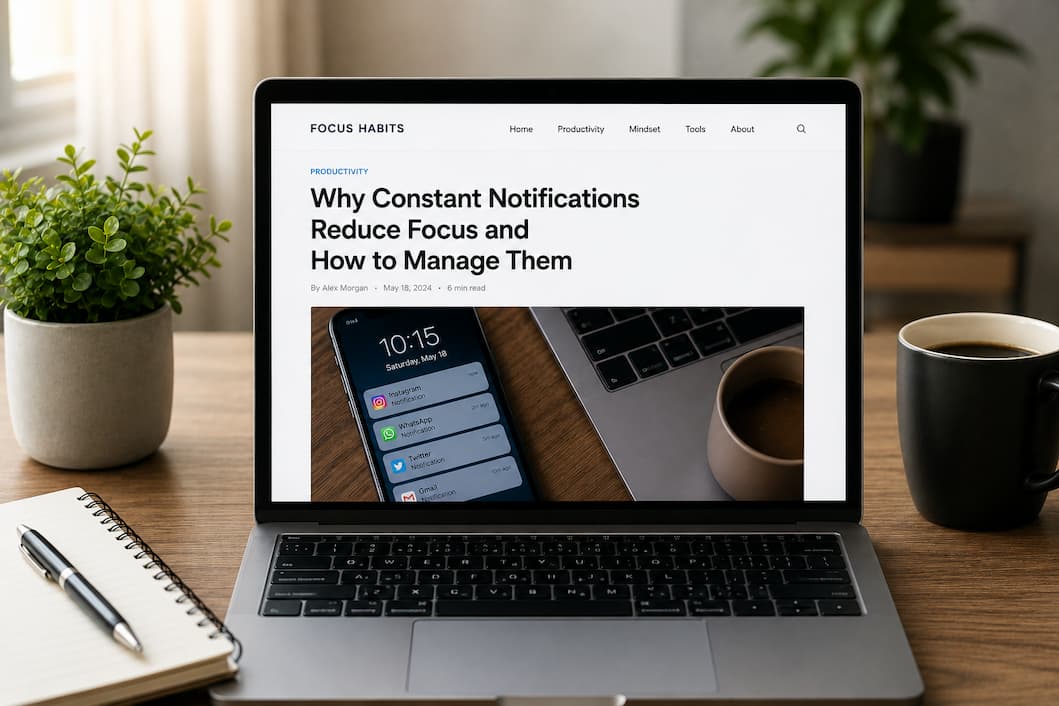
Notifications are designed to capture attention immediately. Apps use sounds, vibrations, and visual alerts because they want users to return and engage as often as possible. Each alert triggers curiosity, making it difficult to ignore. The human brain naturally reacts to new information, so even a small notification can interrupt thinking. When these interruptions happen repeatedly, the brain switches tasks constantly, which uses extra mental energy. This process makes work feel more tiring and slows progress. Over time, people get used to checking their phones frequently, even without notifications. This habit creates a cycle of distraction that feels normal but reduces deep focus. Understanding why constant notifications reduce focus helps explain why managing them is essential for staying productive and mentally refreshed throughout the day.
First Simple Fix
The easiest way to start managing notifications is to reduce the number of alerts you receive. Many apps send notifications that are not truly important, such as promotions or reminders to open the app. Turning off non-essential notifications immediately reduces daily distractions. During testing, disabling unnecessary alerts made work sessions feel calmer and more controlled. Fewer interruptions meant longer periods of uninterrupted thinking. The brain quickly adapts to this quieter environment and becomes more comfortable focusing for extended periods. This simple change requires only a few minutes but can make a big difference. Starting with basic notification settings is the first step toward improving concentration and reducing mental clutter caused by constant alerts.
Check Important Settings or Causes
Many devices include notification settings that people rarely explore. These settings allow users to control how and when alerts appear. For example, some devices offer a focus or quiet mode that silences notifications during certain hours. Using these built-in features helps create dedicated work or study time without interruptions. Another useful setting is grouping notifications so they appear together instead of individually throughout the day. This reduces frequent interruptions and allows users to review alerts at a convenient time. Checking these settings gives better control over digital distractions. Once configured properly, devices become helpful tools instead of constant sources of interruption. Taking time to review notification settings can significantly reduce how often attention gets disrupted.
Update or Improve the System
Keeping devices updated can also help manage notifications more effectively. Software updates often include improved focus features and better notification controls. Over time, developers add tools that help users reduce digital distractions and manage screen time. Using the latest system version ensures access to these improvements. Updated systems also handle background processes more efficiently, reducing unnecessary alerts. Many users notice that newer updates include smarter notification grouping and scheduling options. These features make it easier to control when and how alerts appear. Updating devices regularly ensures that you benefit from tools designed to support better focus and productivity. A modern system provides more ways to stay organized and avoid constant interruptions.
Clean or Remove Unnecessary Things
Another important step is reviewing installed apps and removing those that are no longer needed. Many apps continue sending notifications even when they are rarely used. Over time, this creates a constant stream of alerts that add to digital noise. Removing unused apps reduces the number of potential interruptions and simplifies the device experience. It also helps reduce the habit of checking the phone frequently. During testing, removing unnecessary apps reduced daily notifications significantly and created a calmer digital environment. This change supports better focus and helps build healthier phone habits. Cleaning up apps regularly ensures that only useful tools remain, making it easier to stay in control of notifications and maintain better concentration.
Extra Tips to Prevent the Problem
Building simple habits can help prevent notification overload from returning. Checking notifications at specific times instead of instantly responding to every alert helps maintain focus. Keeping the phone out of reach during important tasks also reduces the temptation to check it frequently. Over time, the brain adapts to longer periods without interruptions and becomes more comfortable with deep focus. Creating a quiet workspace and limiting background distractions further supports concentration. Small changes in daily habits can lead to noticeable improvements in productivity and mental clarity. Combining good habits with proper settings creates a balanced approach that keeps notifications under control and protects focus throughout the day.
Conclusion
Constant notifications reduce focus by interrupting attention and creating mental fatigue. While these alerts are meant to keep users informed, too many notifications can make it harder to stay productive. The good news is that simple changes can make a big difference. Reducing unnecessary alerts, adjusting settings, updating devices, and removing unused apps all help create a calmer digital environment. Over time, these changes allow the brain to focus for longer periods and work more efficiently. Managing notifications is not about avoiding technology but about using it in a way that supports productivity and well-being. With the right habits and tools, you can stay connected without losing focus on what truly matters.
FAQs
1. Why do notifications feel so distracting?
Notifications trigger curiosity and interrupt the brain’s focus. Even short interruptions require time to recover, which makes tasks take longer and feel more tiring.
2. Is it bad to turn off most notifications?
Turning off unnecessary notifications is helpful and safe. Important alerts can still remain active, while less useful ones can be disabled to reduce distractions.
3. How often should I check notifications?
Checking notifications at specific times instead of constantly can help maintain focus. This approach reduces interruptions and improves productivity during work sessions.
4. Do silent notifications still affect focus?
Yes, even silent notifications can distract attention because the visual alert encourages checking the phone. Managing visual alerts can help improve concentration.
5. Can fewer notifications improve productivity?
Yes, reducing notifications creates longer periods of uninterrupted work. This helps the brain stay focused and complete tasks more efficiently.
6. How long does it take to adjust to fewer notifications?
Most people adapt within a few days. As the brain gets used to fewer interruptions, focusing becomes easier and feels more natural.